Building a Modern Data Platform on Azure: SQL Server, PostgreSQL, and Beyond
Most data platform projects fail not because the technology is wrong, but because the architecture was designed for a single use case and then asked to serve five. The transactional database that was perfect for the line-of-business application becomes a bottleneck when the analytics team starts running heavy queries against it. The data warehouse that was built for monthly reports cannot keep up with the demand for real-time dashboards. And the data lake that was supposed to unify everything becomes a data swamp within a year.
A well-designed data platform anticipates these tensions from the start. It uses the right engine for each workload, connects them with reliable pipelines, and stays manageable for teams that do not have a dedicated data engineering department.
The mid-sized organization data challenge
Organizations with 50 to 1,000 employees typically face a specific set of data challenges:
- Multiple databases that grew organically -- a SQL Server here, an Access database there, a PostgreSQL instance for the newer application, spreadsheets bridging the gaps.
- No single source of truth for key business entities like customers, products, or transactions. The same data exists in three systems with three different formats and three slightly different values.
- Reporting bottlenecks where generating a cross-system report requires manual data exports, VLOOKUP formulas, and a person who "just knows how the data fits together."
- Growing AI ambitions that require clean, accessible, well-structured data -- which does not exist yet.
The good news is that Azure provides all the building blocks needed to solve these problems. The challenge is assembling them into a coherent architecture rather than a collection of disconnected services.
Choosing the right database engine
The first decision -- and the one with the longest consequences -- is which database engine to use for each workload. Azure offers several options, and each has a clear sweet spot.
Azure SQL Database
The natural choice for organizations with existing SQL Server expertise. Azure SQL Database is a fully managed service that handles patching, backups, high availability, and scaling automatically.
Best for:
- Transactional workloads (OLTP) -- line-of-business applications, CRM, ERP, custom business applications.
- Teams with SQL Server experience -- the T-SQL dialect, tooling, and operational patterns carry over directly.
- Compliance-sensitive data -- Azure SQL supports transparent data encryption, row-level security, dynamic data masking, and advanced threat protection out of the box.
-- Azure SQL: Example of row-level security for multi-tenant data
CREATE SECURITY POLICY dbo.TenantFilter
  ADD FILTER PREDICATE dbo.fn_tenantPredicate(TenantId)
  ON dbo.Orders
WITH (STATE = ON);
Sizing guidance: Start with the General Purpose tier (vCore model) for most workloads. Reserve the Business Critical tier for sub-millisecond latency requirements. The Hyperscale tier is available if your database exceeds 4 TB or needs rapid scale-out read replicas.
Azure Database for PostgreSQL (Flexible Server)
The right choice when the application team prefers PostgreSQL, when you need advanced data types (JSONB, arrays, geographic data), or when the application is built with frameworks that favor PostgreSQL (Django, Rails, many Node.js ORMs).
Best for:
- Modern application stacks -- particularly those using .NET with Entity Framework Core, Node.js, or Python frameworks.
- Semi-structured data -- PostgreSQL's JSONB support is genuinely excellent for workloads that need relational structure with JSON flexibility.
- Geospatial workloads -- PostGIS is the gold standard for geographic data and queries.
- Cost-sensitive workloads -- PostgreSQL Flexible Server can be more cost-effective than Azure SQL for equivalent compute, especially with burstable tiers.
-- PostgreSQL: Querying semi-structured data with JSONB
SELECT
  id,
  data->>'patientName' AS patient_name,
  data->'vitals'->>'bloodPressure' AS bp,
  created_at
FROM clinical_observations
WHERE data @> '{"department": "cardiology"}'
  AND created_at >= CURRENT_DATE - INTERVAL '7 days'
ORDER BY created_at DESC;
When to use both
This is more common than people expect. Many organizations benefit from running SQL Server for their existing enterprise applications and PostgreSQL for newer services and analytics workloads. The key is establishing clean integration patterns between them rather than trying to force everything into one engine.
The analytics layer
Transactional databases should not serve analytical queries. The access patterns are fundamentally different -- transactions need fast, narrow reads and writes; analytics need wide, aggregated reads across large datasets.
Azure Synapse Analytics
For organizations that need a dedicated analytical warehouse:
- Serverless SQL pools for ad-hoc exploration of data in Azure Data Lake Storage -- no provisioning needed, pay per query.
- Dedicated SQL pools for predictable, heavy analytical workloads with sub-second query performance on terabytes of data.
- Spark pools for data engineering, machine learning model training, and processing unstructured data.
Microsoft Fabric
For organizations that want a unified analytics experience without managing multiple services, Microsoft Fabric combines data engineering, data warehousing, real-time analytics, and Power BI into a single platform. It is particularly compelling for mid-sized organizations because it reduces the number of services to learn and manage.
The pragmatic middle ground
Not every organization needs Synapse or Fabric on day one. A well-designed Azure SQL or PostgreSQL instance with proper indexing, materialized views, and read replicas can handle significant analytical workloads. Start simple. Move to dedicated analytics infrastructure when the query patterns and data volumes genuinely demand it.
Data integration and pipelines
The most critical -- and most underestimated -- component of any data platform is the pipeline layer that moves data between systems.
Azure Data Factory
The workhorse for batch data integration. Data Factory provides a visual pipeline builder with connectors to hundreds of data sources, transformation capabilities, and built-in monitoring.
{
  "name": "IncrementalLoadPipeline",
  "properties": {
    "activities": [
      {
        "name": "GetLastWatermark",
        "type": "Lookup",
        "typeProperties": {
          "source": {
            "type": "AzureSqlSource",
            "sqlReaderQuery": "SELECT MAX(ModifiedDate) AS watermark FROM dbo.Watermarks WHERE TableName = 'Orders'"
          }
        }
      },
      {
        "name": "CopyIncrementalData",
        "type": "Copy",
        "dependsOn": [{ "activity": "GetLastWatermark" }],
        "typeProperties": {
          "source": {
            "type": "SqlServerSource",
            "sqlReaderQuery": {
              "value": "SELECT * FROM Orders WHERE ModifiedDate > '@{activity('GetLastWatermark').output.firstRow.watermark}'",
              "type": "Expression"
            }
          },
          "sink": { "type": "AzureSqlSink" }
        }
      }
    ]
  }
}
Key principle: Always use incremental loads (watermark-based) rather than full table copies. Full copies are simpler to build but do not scale, and they obscure change tracking.
Change data capture
For near-real-time data synchronization, enable change data capture (CDC) at the database level:
- SQL Server CDC captures row-level changes and makes them available as a stream.
- PostgreSQL logical replication serves the same purpose with a different mechanism.
- Azure Event Hubs or Azure Service Bus can transport change events to downstream consumers.
This pattern is essential for keeping analytical stores synchronized with transactional systems without impacting the source database's performance.
Data governance from day one
The organizations that build successful data platforms treat governance as a foundational concern, not an afterthought.
Data catalog and lineage
Use Microsoft Purview (included in many Microsoft 365 enterprise licenses) to:
- Automatically scan and catalog data assets across Azure SQL, PostgreSQL, Data Lake, and other stores.
- Track data lineage -- where each dataset came from, how it was transformed, and where it flows to.
- Apply sensitivity labels (public, internal, confidential, highly confidential) consistently across all data stores.
- Enable data discovery so business users can find and understand available datasets without asking the IT team.
Access control patterns
- Row-level security in Azure SQL for multi-tenant data isolation.
- Column-level encryption for sensitive fields (SSN, financial data, health records).
- Azure role-based access control (RBAC) for infrastructure permissions.
- Database-level roles that map to organizational functions (analyst, developer, administrator).
Cost management
Data platforms can become expensive quickly if not actively managed:
- Reserved capacity for predictable workloads (1-year or 3-year commitments save 30-60% on compute).
- Auto-pause for development and test databases that sit idle outside business hours.
- Storage tiering -- move cold data to Azure Blob Storage (cool or archive tier) rather than keeping it in expensive database storage.
- Query optimization -- a single poorly written query can consume more resources than the rest of the workload combined. Invest in query performance monitoring.
The AI readiness dimension
Every organization building a data platform today should consider AI readiness, even if AI workloads are not on the immediate roadmap. In practice, this means:
- Clean, consistent master data -- AI models are only as good as the data they are trained on. Invest in data quality and deduplication early.
- Accessible data stores -- ensure data can be queried via standard APIs and connection protocols, not locked behind proprietary interfaces.
- Embeddings-ready architecture -- if you plan to use retrieval-augmented generation (RAG), design your data model to support vector storage and semantic search. Both Azure SQL and PostgreSQL (via pgvector) support vector operations.
-- PostgreSQL with pgvector: Semantic search over documents
SELECT
  id,
  title,
  content,
  1 - (embedding <=> $1::vector) AS similarity
FROM documents
WHERE 1 - (embedding <=> $1::vector) > 0.78
ORDER BY similarity DESC
LIMIT 10;
A reference architecture
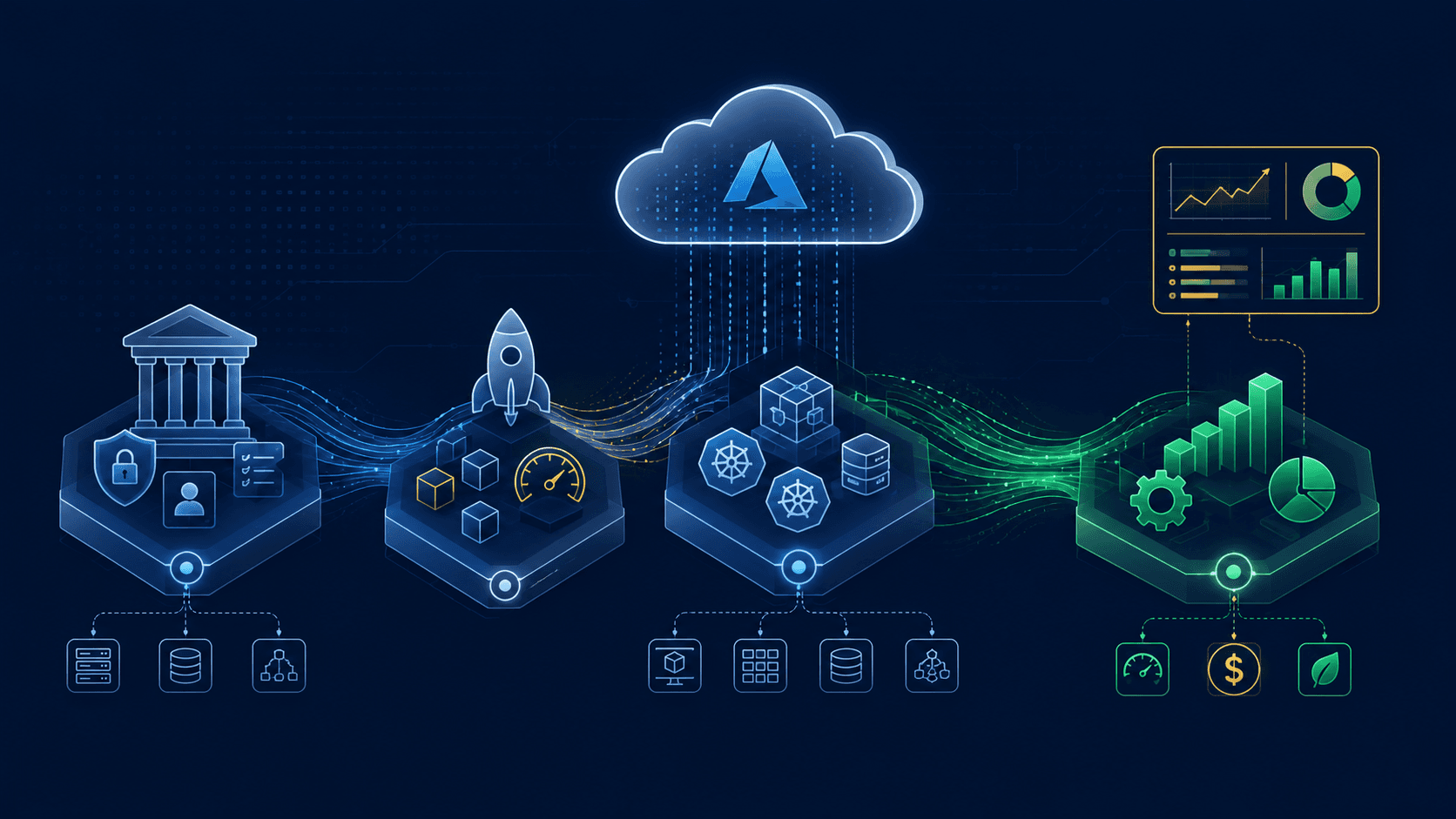
For a mid-sized organization starting a data platform initiative, I recommend this layered architecture:
- Transactional layer -- Azure SQL Database or PostgreSQL Flexible Server for each line-of-business application. Each database is independently managed and scaled.
- Integration layer -- Azure Data Factory for batch ETL, Azure Service Bus for event-driven integration, change data capture for near-real-time synchronization.
- Analytical layer -- Start with a dedicated Azure SQL Database or PostgreSQL instance for analytical queries. Graduate to Synapse or Fabric when data volumes and query complexity demand it.
- Governance layer -- Microsoft Purview for cataloging and lineage, Azure Key Vault for secrets management, Azure Monitor for operational telemetry.
- Consumption layer -- Power BI for business intelligence, direct database connections for data science workloads, REST APIs for application integration.
Common pitfalls
- Building the data lake first. Data lakes are powerful but require significant data engineering discipline to avoid becoming data swamps. Start with structured databases and add the lake when you have unstructured data that genuinely needs it.
- Over-engineering the pipeline. If you have five source systems and ten downstream consumers, you do not need Apache Kafka, a streaming mesh, and a real-time analytics engine. Data Factory and scheduled refreshes handle most mid-sized workloads beautifully.
- Ignoring data quality. No amount of architectural elegance compensates for dirty data. Build validation rules, anomaly detection, and quality dashboards into the pipeline from the start.
- Treating the data platform as an IT project. The business must own the requirements, the data definitions, and the success criteria. IT builds and operates the platform, but the business defines what "good" looks like.
- Delaying governance. Retroactively applying access controls, classification, and lineage tracking to an established data platform is orders of magnitude harder than building it in from the start.
Getting started
The first step is not a technology evaluation -- it is a data inventory. Map every data source, its owner, its update frequency, its quality level, and its downstream consumers. This inventory becomes the input to every architectural decision that follows.
From there, start small. Stand up a single managed database, migrate one workload, build one pipeline, connect one dashboard. Prove the pattern works before scaling it across the organization.
A modern data platform is not a destination -- it is an evolving capability. The organizations that build them well are the ones that start with clear, bounded problems and expand methodically, adding complexity only when the data demands it.

Founder & Principal Consultant at VerionSys. 24+ years delivering enterprise systems across AI, cloud, and integration in Brazil, Canada, and the USA.
Connect on LinkedIn